Updates

New in Sokratic — every week

TelegramRead on Telegram
  • Sokratic 2.0
  • Editor

AI that builds your presentation, not its own

Sokratic 2.0 is the biggest update in the service's history.

We listened to what you asked for

You told us what got in the way of making presentations. Here's what changed in Sokratic 2.0

  • «The images are totally off-topic. Like they're random»

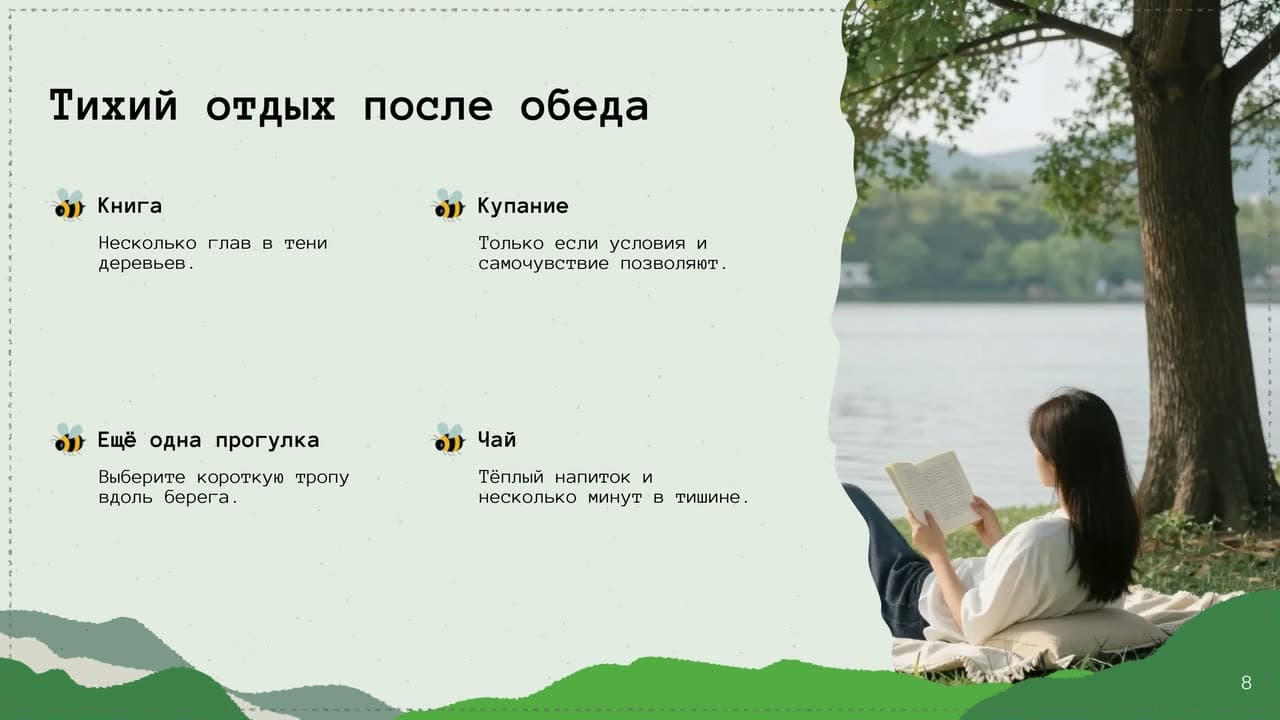
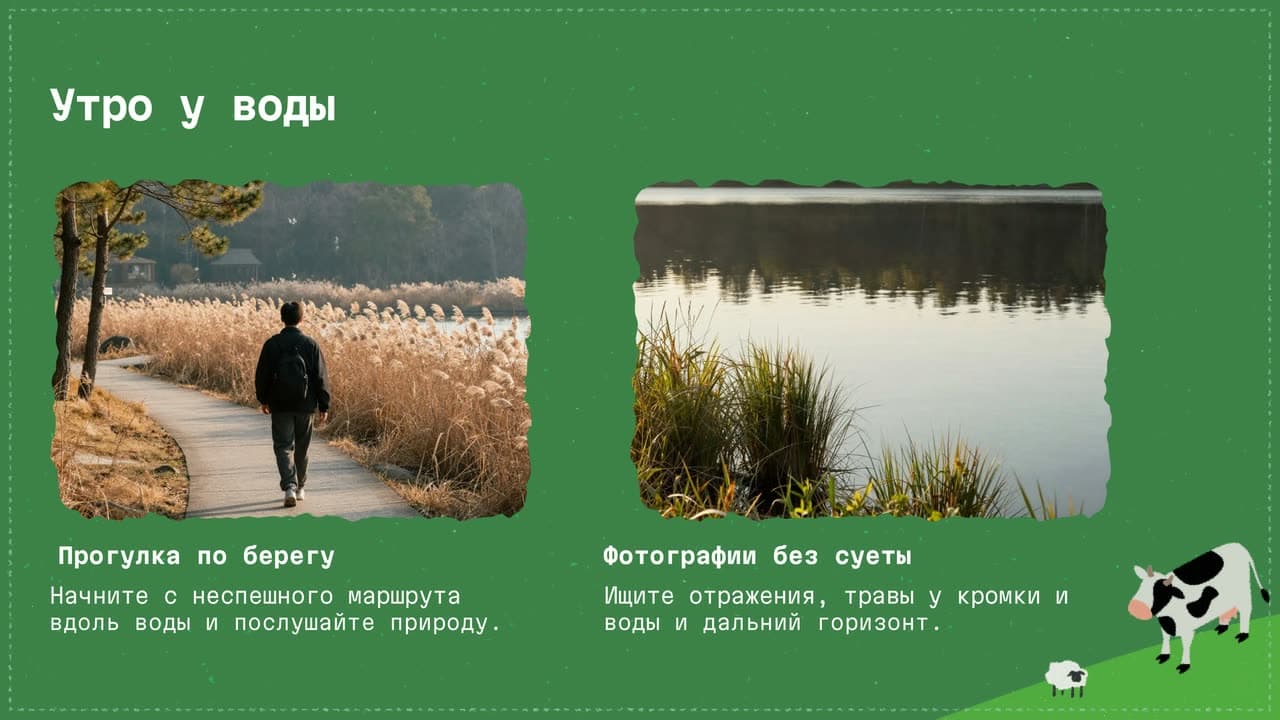
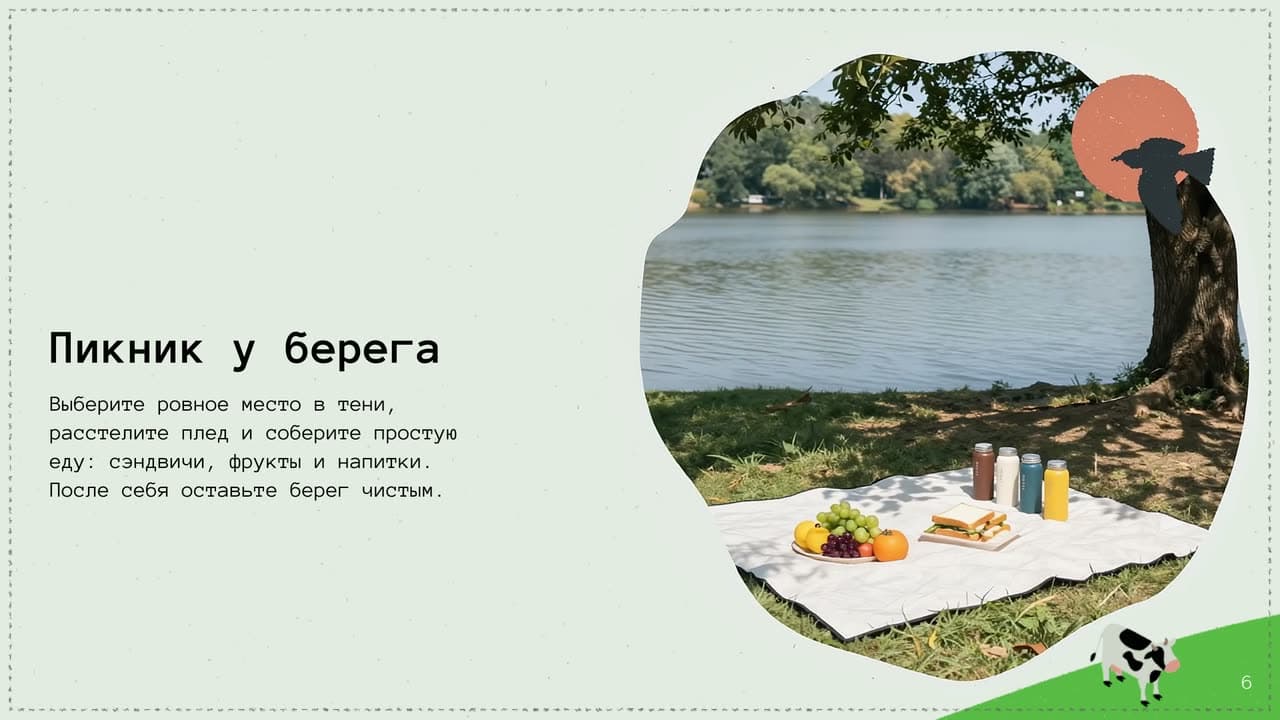
    Images are drawn to match the meaning of each slide

  • «I uploaded my file and it still did its own thing»

    Slides are built from your document, figure for figure

  • «I write edits for the AI and it can't carry them out»

    An edit changes exactly what you asked for

  • «Every presentation looks the same»

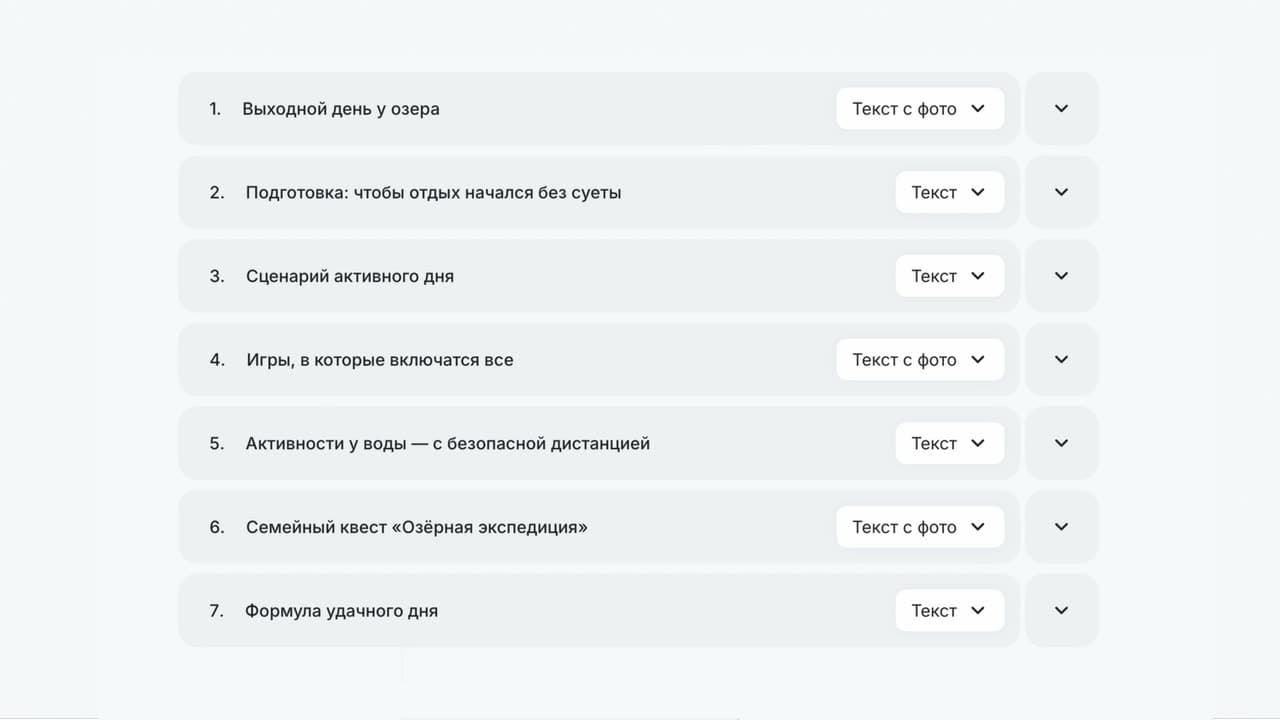
    First one question about your goal, then an outline to match

  • «I wanted to move the text, enlarge an image, and couldn't. Everything's nailed down»

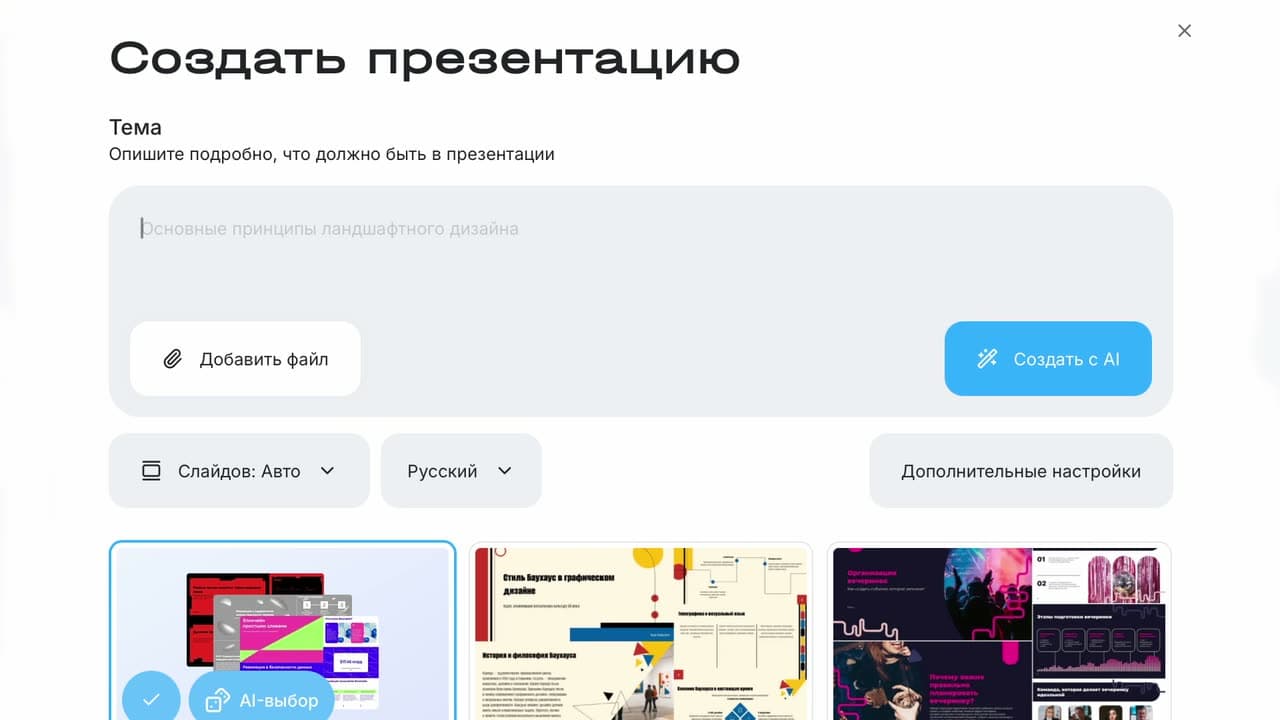
    A full manual editor: move and change any element
What's inside 2.0

The AI builds the outline and writes the text more accurately
One question, and the outline fits your goal
Text and figures come from your file
Only what you asked for changes
Any element can be moved and changed by hand
Illustrations are drawn to match the slide's meaning
  • Teams

Sokratic for teams: a shared balance and payment by invoice

Invite your colleagues, pay from a company account and get your closing documents.

  • Service

Tokens instead of limits

AI actions in the editor no longer have attempt counters, and the best image models are open to everyone. Instead of limits, you have a token balance — you decide what to spend it on. Creating presentations and manual editing remain free.

  • Templates

Five new templates

We've added five templates for different tasks, from a call report to a talk. They all take part in auto-selection: if the topic fits, Sokratic will suggest them itself.

  • Design

Palettes: change the colors of any template

Every template now has color palettes. Pick the one that matches your topic or brand colors, and the whole design will rebuild without editing slides one by one.

  • Editor

Manual editor: move any element

Now you can grab and move anything on a slide by hand: text, images, blocks. AI when you need it fast, hands when you need it exact.

  • Templates

Template auto-selection is more accurate

Sokratic now understands your topic better and picks a template to match: formal for a report, lively for a talk. Less browsing by hand, more hits on the first try.

  • Files

Everything from your file, not just the text

Sokratic now pulls tables, infographics and images out of your file, not just the text. The data lands on the slides exactly: nothing is lost or changed along the way.

  • Images

Pick the image model, and edit photos

While editing, you can choose which model draws the image for a slide and fix the result in the photo editor: crop, replace, refine.